Summary—An SD card for a Raspberry Pi, a UEFI disk for a PC, or a virtual machine under UTM on an Apple Silicon Mac — the same eighteen stages, whichever medium you point them at.
Copal is tree resin caught halfway to amber: sap that has hardened, but is not yet stone. That is the system's whole trick. Alpine boots diskless, with a root filesystem that evaporates at power-off. Copal is what sets it, turning a diskless Alpine into a persistent ext4 system with a tiling desktop, without giving up the smallness that made it worth booting.
It began as the Raspberry Pi Zero installer and was rebuilt as a hybrid. The two UTM targets exist so the other three can be verified without a card, a Pi, or a reboot cycle. Copal is an aggregation of Alpine — it downloads stock Alpine and calls Alpine's own tools — not a fork, and is not affiliated with or endorsed by the Alpine project.
Highlights
- Eighteen install stages shared by Raspberry Pi, PC (UEFI) and UTM targets
- Hyprland tiling desktop on Wayland, themed with Linux Antiquity
- Fleet tooling: playbooks, fleet state, and the Orrery console
- Home of copal-tm, Static Stream and the ytq download queue
At a Glance
| Language | POSIX shell, QML, Python |
|---|---|
| Platform | Alpine Linux — Raspberry Pi, x86-64 UEFI, UTM on Apple Silicon |
| License | MIT |
| Website | copallinux.github.io/copal |
| Source | github.com/copallinux/copal |
Pictures
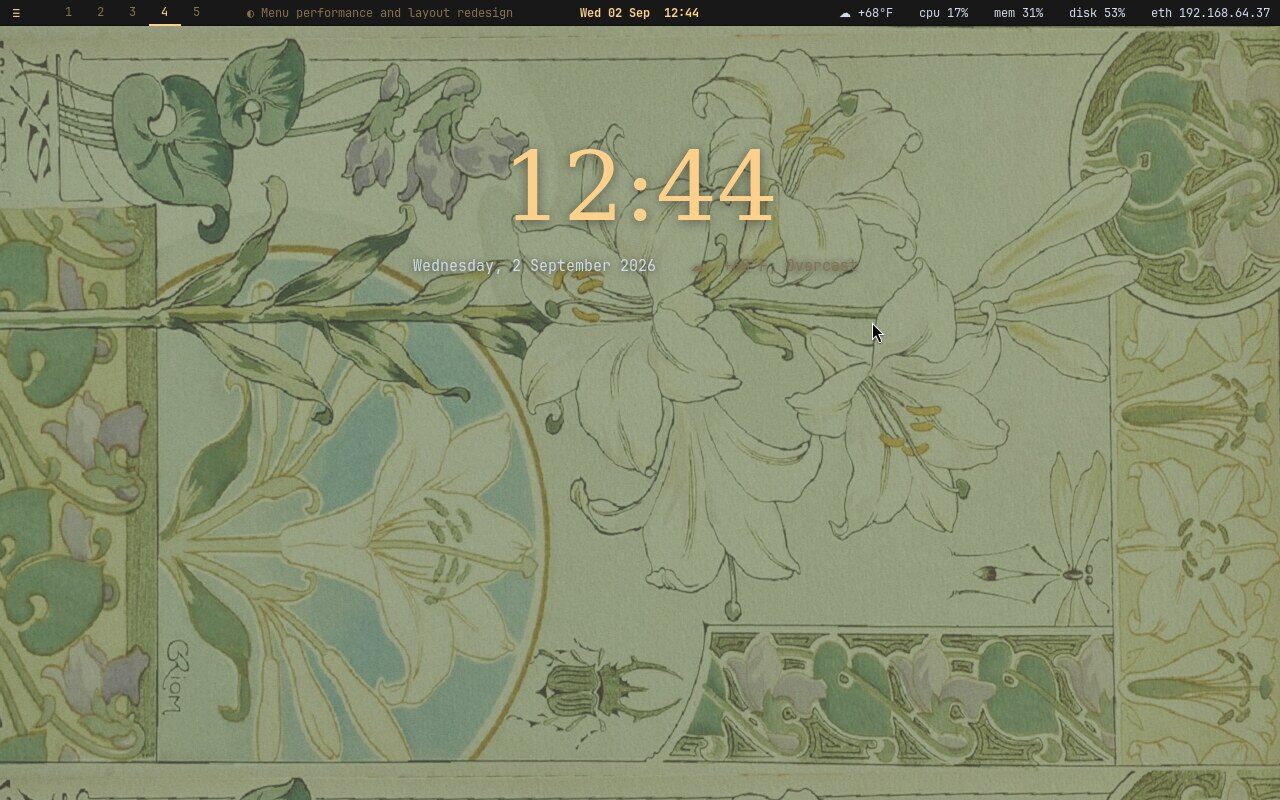
Fig. 1. The Copal desktop: the Antiquity wallpaper, a painted clock and the bar along the top
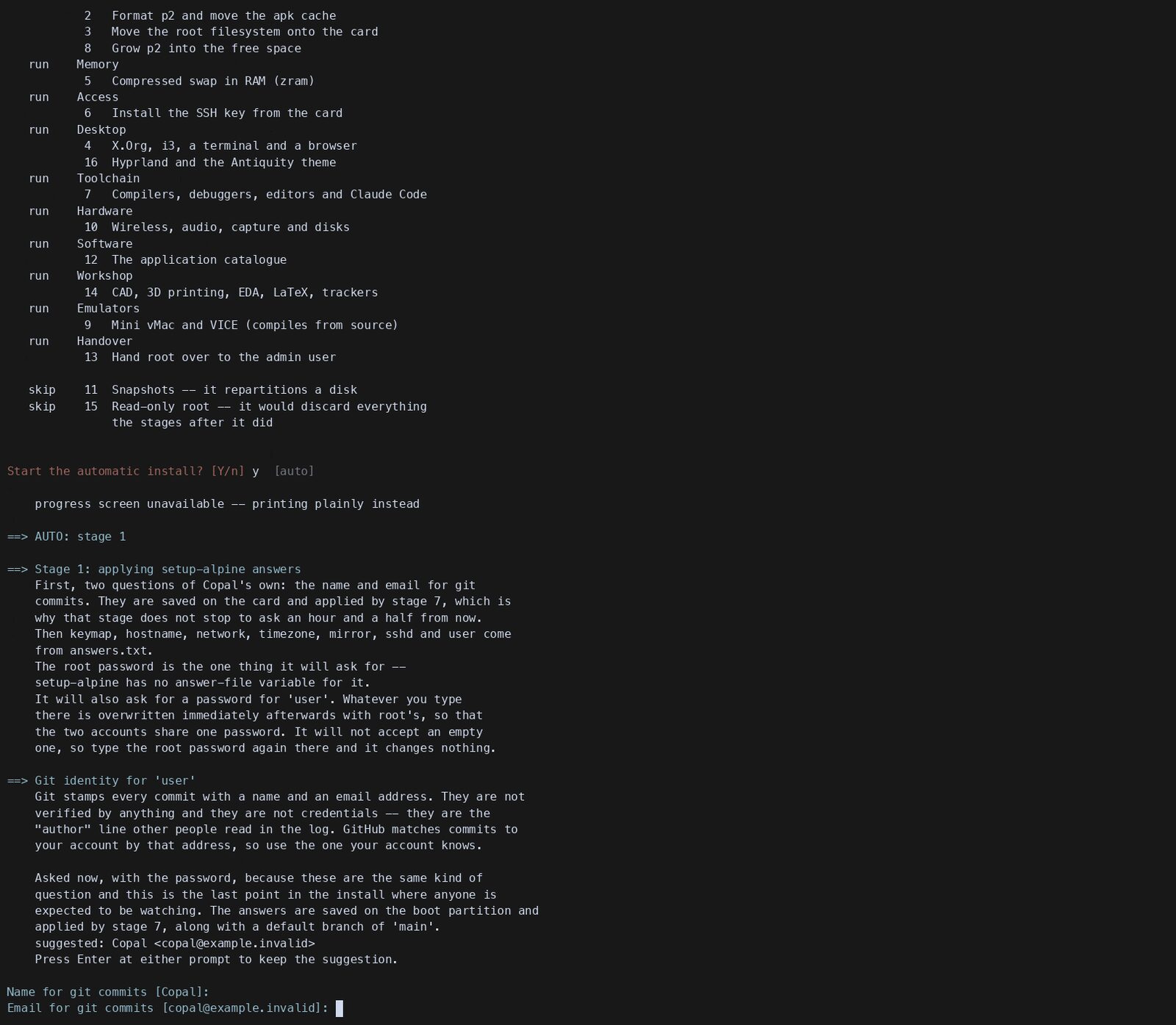
Fig. 2. The guided install levels
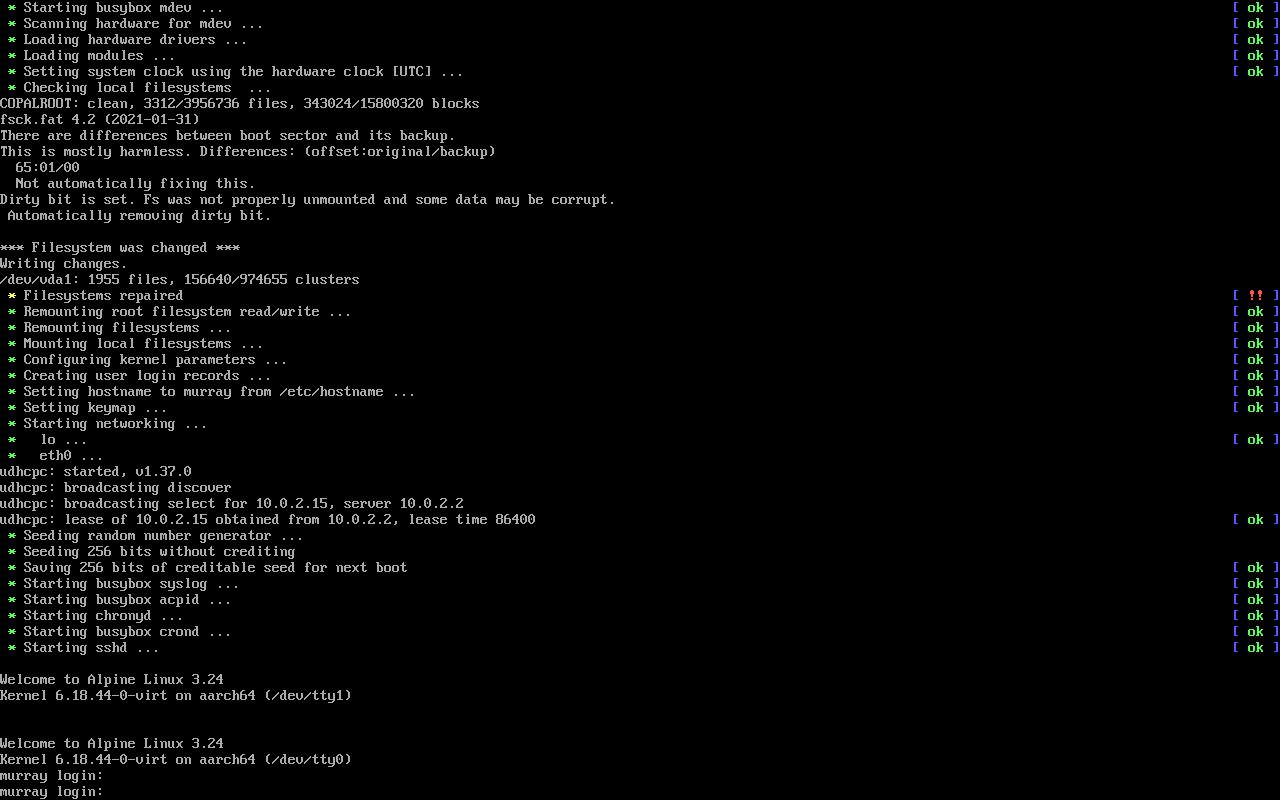
Fig. 3. The installer at work in a terminal